
Catch an idea. Build it in layers.
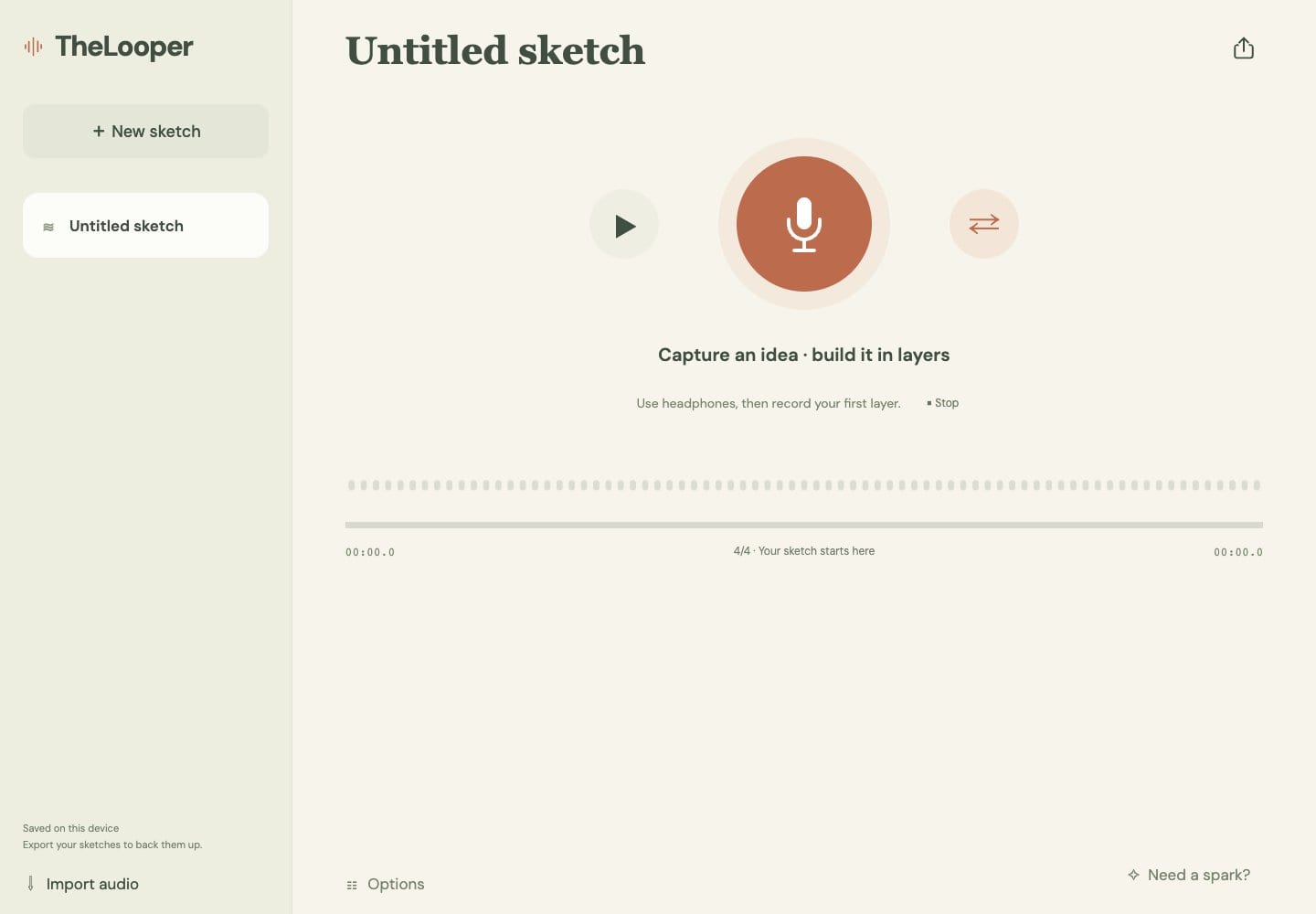
TheLooper is a free browser sketchpad for musical ideas. Record a short loop from your microphone, stack more takes on top, and export aligned WAV stems when you are ready to finish the song elsewhere.
- Web
Free · no sign-up · A current desktop browser with microphone access. Wired headphones recommended.
Why it exists
Ideas show up before the studio is ready
You hum a bass line in the kitchen or find two chords that work together. By the time a full recording app is open and a project is set up, the idea has faded. TheLooper opens in a browser tab and starts recording a loop in a few seconds.
Features
What TheLooper does
Record from your mic
Choose an input and record a mono layer. Raw capture with echo cancellation, noise suppression and auto gain turned off.
Count-in and click
Set the tempo or tap it in, then record after a four-beat count-in. Turn the click on when you want a steady guide.
Fixed-length loops
Capture exactly 1, 2, 4 or 8 bars at your tempo, or switch to free recording. Loop fitting trims or pads audio and never time-stretches your playing.
Layers with mute and solo
Stack takes on top of each other. Each layer loops on its own and has its own mute, solo and volume.
Trim without losing audio
Trim a layer to the part you want and restore the original at any time. A waveform shows every take.
Import audio
Bring in existing audio files as layers. They are downmixed to mono so they sit with the rest of the sketch.
Named sketches
Keep several ideas side by side, each with its own name, in a library stored in your browser.
Aligned WAV stems
Export every layer as a 16-bit PCM WAV file, lined up from the same start point, ready to drop into any audio editor.
How it works
From hum to stems in four steps
Set the groove
Pick a tempo and length, such as 90 BPM and 2 bars. Plug in headphones.
Record the first layer
Press record, listen to the count-in, and play. The take loops as soon as it ends.
Stack and balance
Add more layers over the loop. Mute, solo, trim and adjust volume until it sounds right.
Export stems
Download each layer as an aligned WAV file and keep working in your usual audio editor.
Why TheLooper
Built differently
Built for sketching, not performing
Many browser loopers are designed as live loop pedals. TheLooper focuses on saving named ideas and handing clean stems to your editor.
Uncompressed, aligned exports
Layers are kept as raw audio and exported as aligned 16-bit WAV stems, so they line up when you import them into another app.
No account and no server
There is nothing to sign up for. Recordings are stored in your browser and never uploaded.
How much does TheLooper cost?
It is free. Open it in your browser and start recording. There is no account or sign-up.
What do I need?
A current desktop browser that allows microphone access. Wired headphones are recommended, because Bluetooth headphones add delay when you record over a loop.
Where are my recordings saved?
Only in this browser's storage on this device. They are not synced to the cloud. Clearing site data for TheLooper removes them, so export stems regularly.
Does it fix timing or latency?
No. TheLooper does not time-stretch audio or compensate for hardware latency. Loop fitting trims or pads a take to the chosen length. Listen back and use wired headphones for tighter overdubs.
How do I get my sketch into a DAW?
Use the export button to download every layer as an aligned 16-bit WAV stem. Export ignores playback mute and volume, so you get every layer at full level. Your browser may ask permission to download several files.
Does it support MIDI?
No. TheLooper records and plays audio only.
Get TheLooper
A free loop sketchpad in your browser. Record a layer, stack another, export stems.
More from Parth
 LoopStudio
 Gym Journal