Keep the idea. Build it layer by layer.
LoopStudio is a musical sketchbook for Mac, iPhone, and iPad. Record a first take, add layers over it, and export WAV stems and MIDI when you are ready to produce.
- Mac
- iPhone & iPad
Mac, iPhone, and iPad versions in App Review · Apple silicon Mac with macOS 27 or later · iPhone or iPad with iOS/iPadOS 26 or later
Why it exists
Voice memos are where song ideas go to get lost
You hum a melody into your phone, then find a guitar part that fits it a week later. Now they are two separate recordings, neither in time with the other, and getting them into Logic means trimming and lining them up by hand. LoopStudio keeps the parts of an idea together as layers and hands them to your DAW as stems.
Features
What LoopStudio does
Record guitar, voice, or MIDI
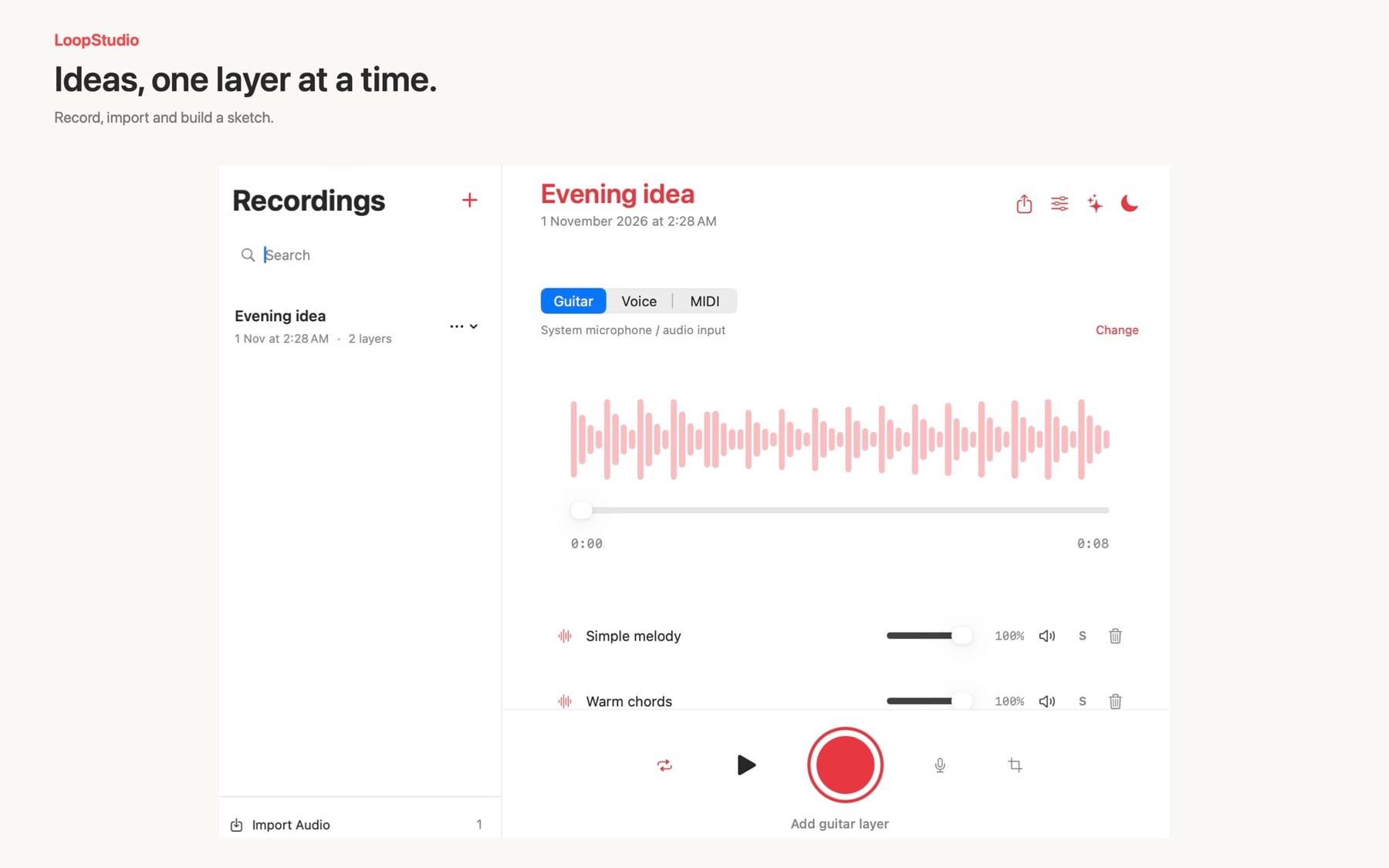
Choose a source and press Record. On Mac, pick the audio input and channel in Options; each audio take records one mono input channel to a WAV file.
Layered overdubs
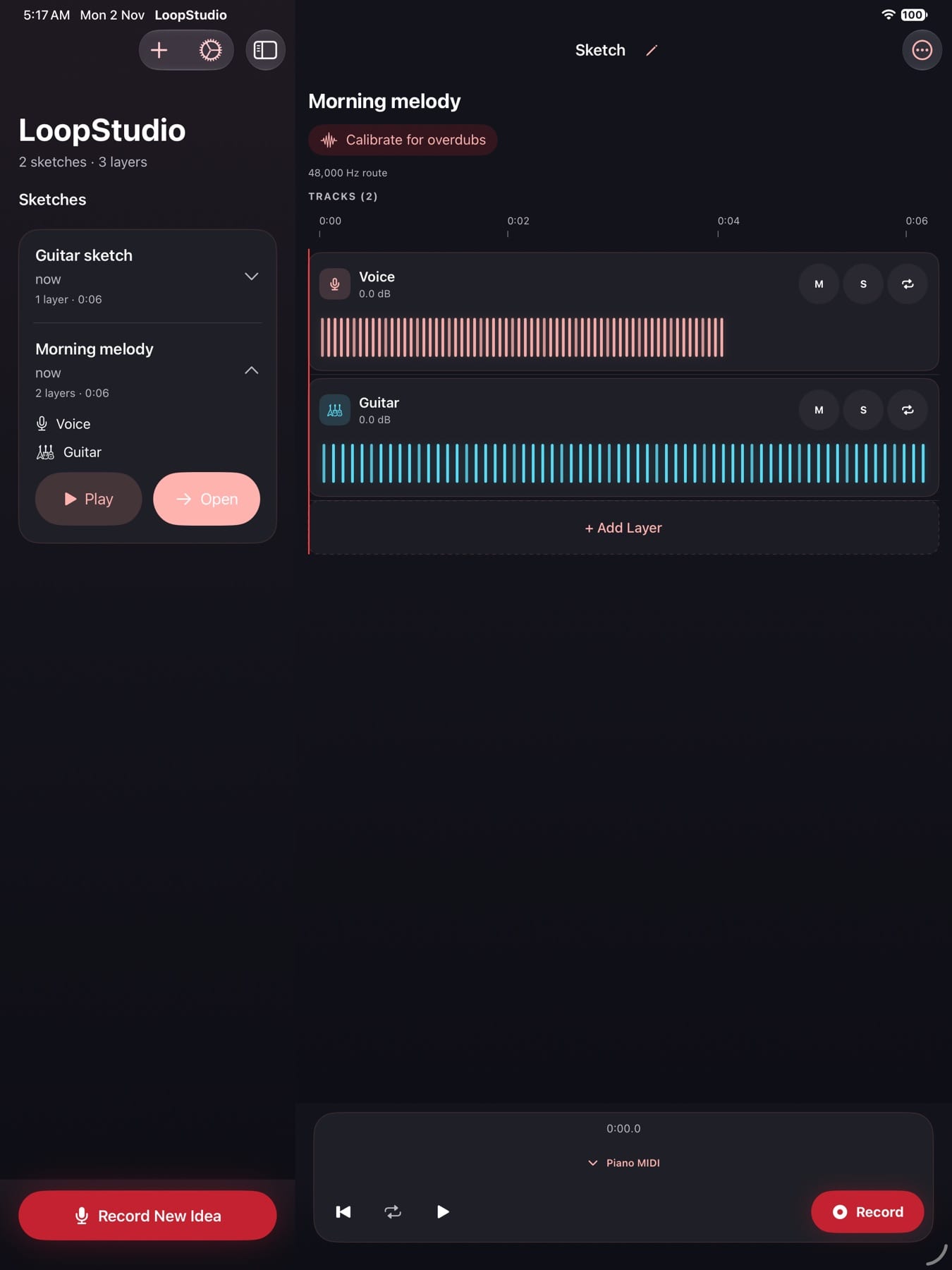
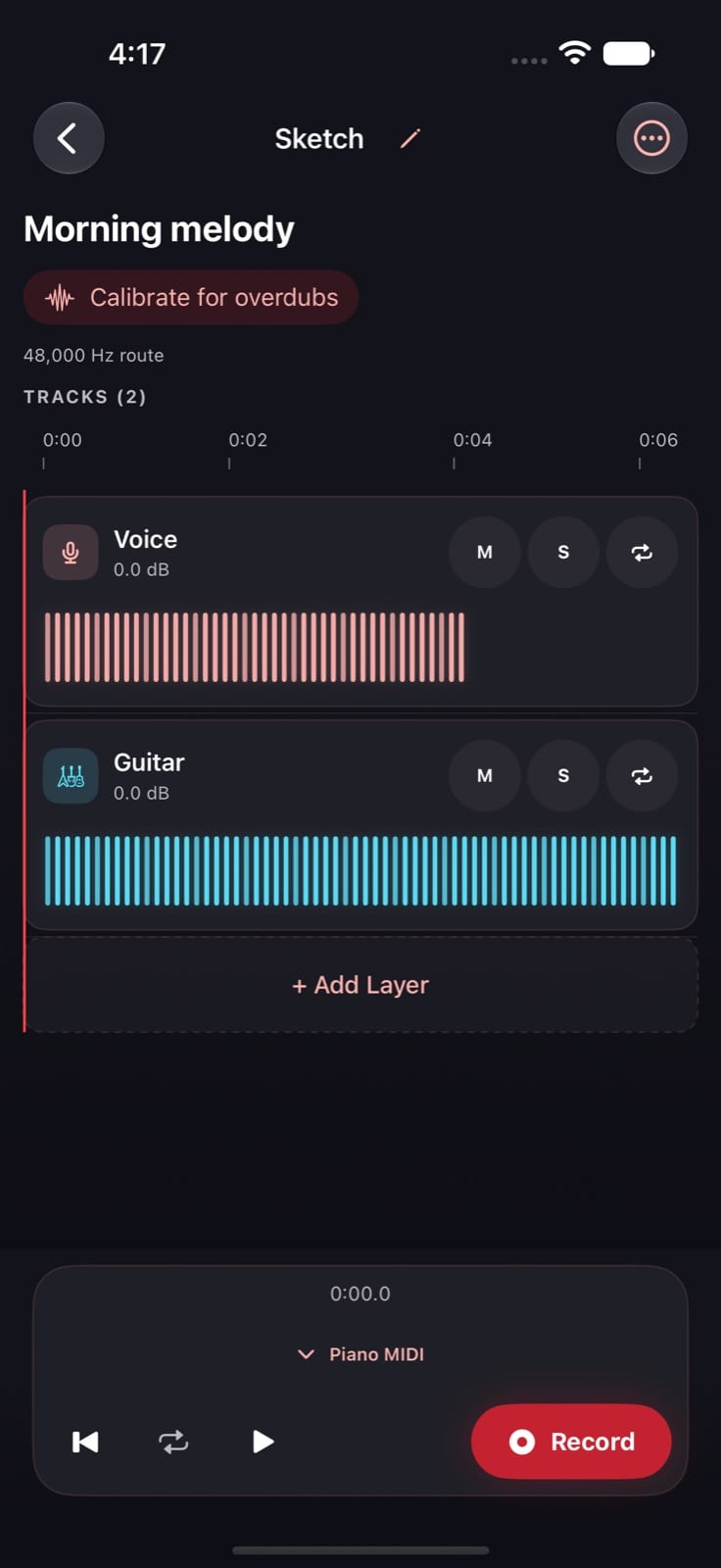
Record a new layer while earlier layers play. Rename layers, set their volume, mute or solo them, and undo a removed layer.
Calibrated overdubs on iOS
A one-time calibration for your audio route keeps new layers lined up with what you heard. LoopStudio tells you when a route needs calibrating and does not offer aligned overdubs over Bluetooth.
MIDI keyboards and on-screen keys
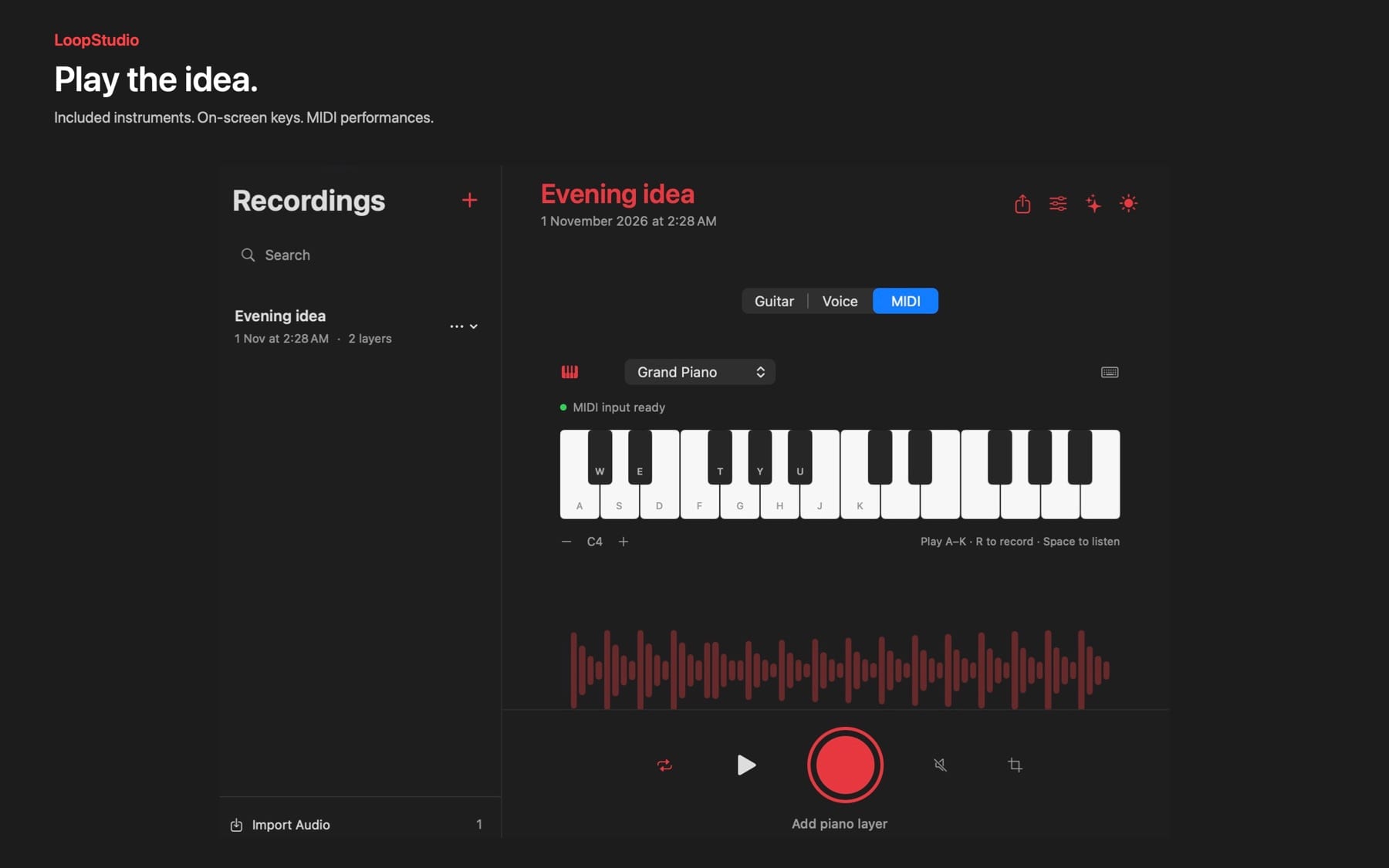
Play a connected MIDI keyboard or controller on Mac, or use the on-screen keys and musical typing. MIDI takes keep the performance alongside the recorded sound.
Included sampled instruments
Eight sounds on Mac, including grand and upright piano, electric piano, guitars, bass, strings, and pad. Seven are included on iPhone and iPad. All are bundled and play offline.
Tempo, count-in, and loops
On Mac, set tempo and meter or tap along to your phrase, use a one-bar count-in and metronome, record 1, 2, or 4 bars, and trim a phrase into a loop.
Stems ready for your DAW
Export a folder of numbered WAV stems, a .mid file for each MIDI layer, and a read-me that tells your DAW how to line them up.
Local and account-free
No account, cloud sync, advertising, or analytics. Recordings stay on your device until you export them.
How it works
From first take to Logic
Capture the idea
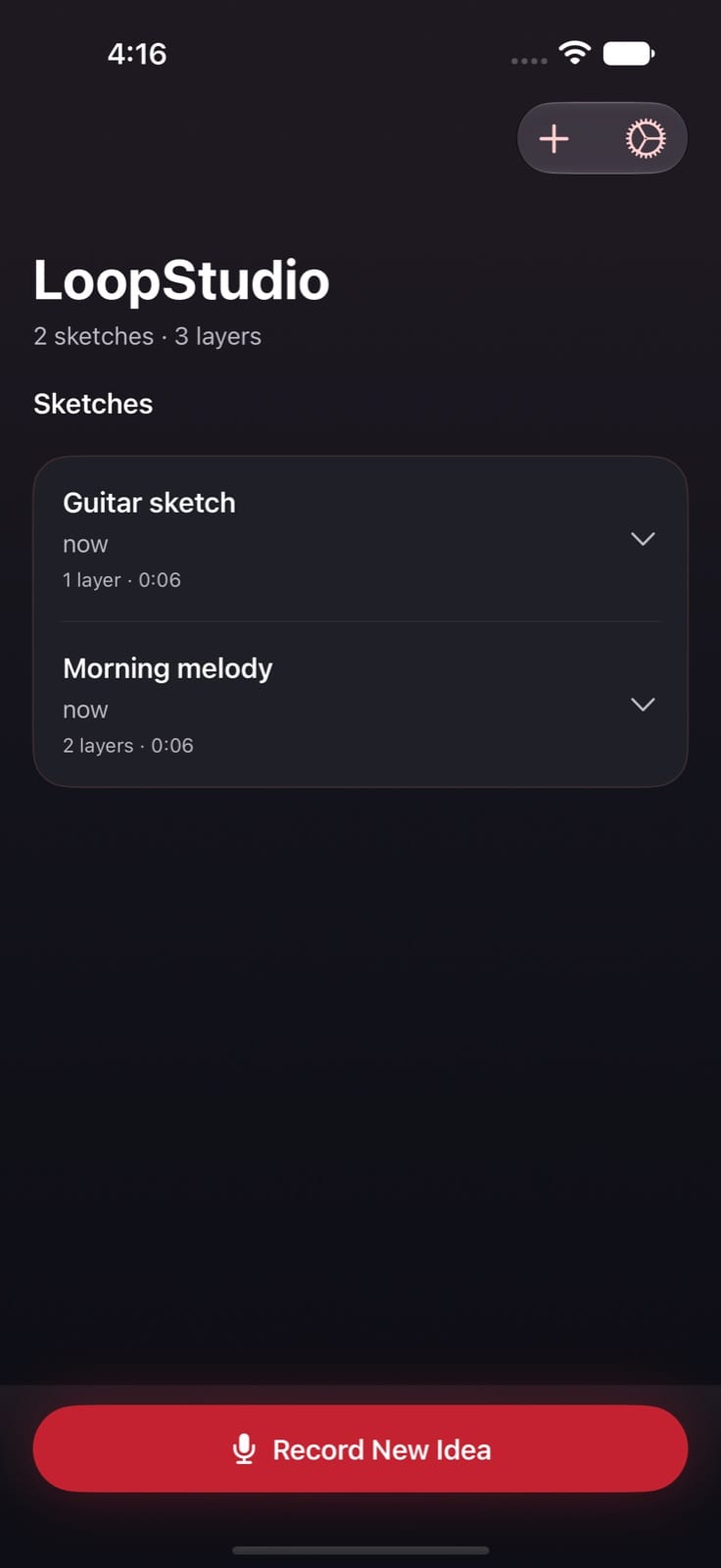
Start a sketch and record a vocal, a guitar phrase, or a MIDI part on the included instruments.
Add layers
Record more parts over it. Mute, solo, and balance them until the sketch makes sense.
Export stems
Export numbered WAV stems and MIDI files to a folder you choose, or to Files on iPhone and iPad.
Keep producing
Import the stems at the same timeline position in Logic or another DAW, and put the MIDI on any instrument you like.
Why LoopStudio
Built differently
A sketchbook, not a full studio
Mobile studios and DAWs offer clip launching, effects chains, and mixing. LoopStudio keeps to record, layer, and export, so getting a first take down is quick.
Built to hand off to your DAW
Instead of keeping work inside its own project format, every export is plain WAV stems and standard MIDI files with a read-me, ready to drop into a production session.
No account or cloud required
Popular free music apps ask you to sign in and store projects online. LoopStudio works offline with bundled instruments and keeps your recordings on your device.
What do I need?
On Mac, an Apple silicon Mac with macOS 27 or later. On iPhone and iPad, iOS or iPadOS 26 or later. Recording guitar or voice needs microphone permission; MIDI recording does not.
When is it available, and how much is it?
LoopStudio for Mac, iPhone, and iPad has been submitted to the App Store and is waiting for review. Pricing will be shown on the App Store listing when it is approved.
Do projects sync between my Mac and iPhone?
No. Projects stay on the device where you made them. To move a sketch, export it and import the audio on the other device. One App Store purchase includes both versions.
Does LoopStudio handle recording latency?
On iPhone and iPad, a one-time calibration per audio route keeps overdubs aligned. The Mac version does not compensate for latency automatically, so wired headphones work best for overdubs there. Bluetooth audio adds delay on every device.
Does LoopStudio collect my recordings?
No. It has no account, analytics, advertising, or tracking, and makes no network connections. Everything stays on your device until you export or delete it.
Where do the instrument sounds come from?
They are free sampled instruments bundled unchanged under their own licenses. Grand Piano (Mac) uses Salamander Grand Piano by Alexander Holm (CC BY 3.0), SF2 edition from FreePats. Warm Upright uses Upright Piano KW from FreePats (CC0). The other instruments use MuseScore General (MIT). Credits are also in the app and in each instrument export.
LoopStudio is on its way
Submitted to Apple and waiting for App Review. This page will link to the App Store as soon as it’s approved.
More from Parth
 Closer
 Catch
 Palmdeck
 GesturePad