Keep your tablet awake with one tap
Tablet Awake is a one-button Android app that stops your tablet's screen from going to sleep, even while other apps are on screen. Stop it from the app or its notification to return to normal sleep.
- Android
Preparing for Google Play · Android 8.0 or newer. Tested on a Samsung tablet running Android 12.
Why it exists
The screen sleeps at the worst moment
You prop a tablet up with a recipe, sheet music or a reference document, and the screen dims just as your hands are busy. Changing the system timeout means remembering to change it back. Tablet Awake is a switch you turn on for the session and off when you are done.
Features
What Tablet Awake does
One big button
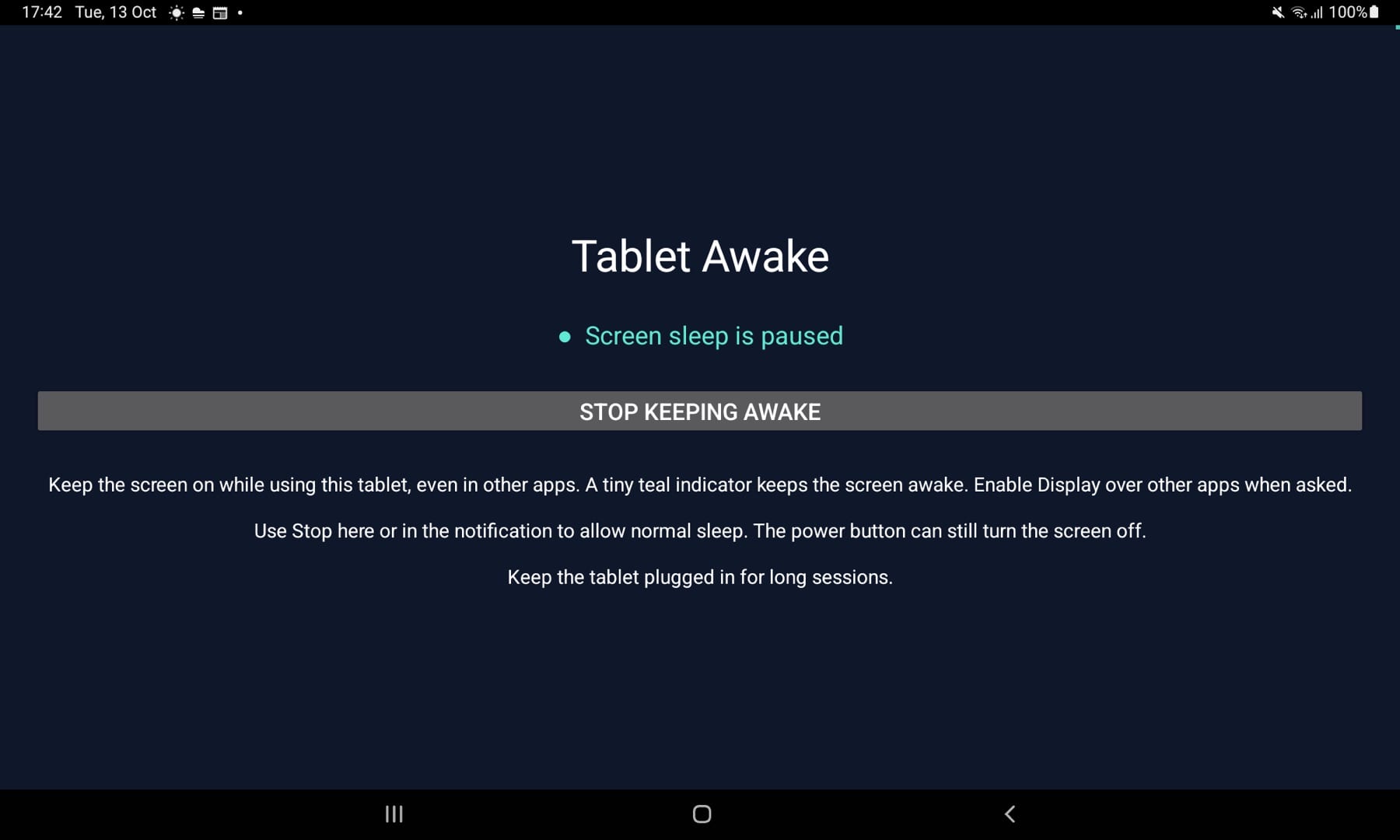
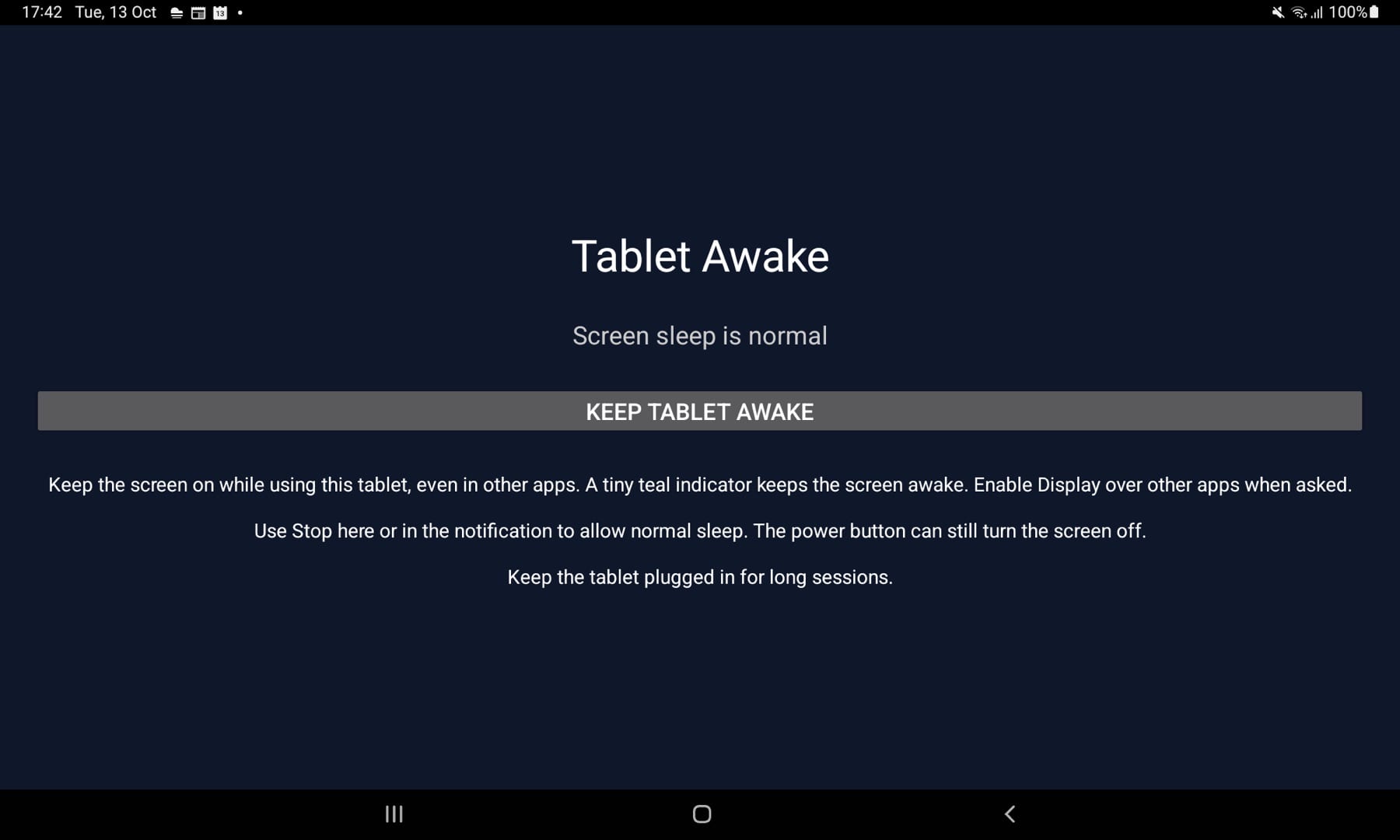
Tap Keep tablet awake to pause screen sleep. Tap Stop keeping awake to return to normal.
Works across apps
Switch to any other app and the screen stays on. A tiny teal indicator shows it is active.
Stop from the notification
An ongoing notification shows it is running and has a Stop action, so you never need to hunt for the app.
Leaves your settings alone
Your normal screen-timeout setting is never changed, so stopping puts everything back as it was.
No internet, no account
The app does not request internet access and has no ads, analytics or sign-in.
How it works
How it works
Allow the overlay
Allow Display over other apps when asked. It powers the small teal indicator that keeps the screen on.
Tap Keep tablet awake
Screen sleep pauses. Open whatever app you need.
Stop when you are done
Tap Stop in the app or the notification, and the tablet sleeps normally again.
Why Tablet Awake
Built differently
A switch, not a rule set
Some keep-awake apps work through per-app lists or timers. Tablet Awake is a single on/off switch for the whole session.
Always visible while on
A teal indicator and an ongoing notification make it obvious when screen sleep is paused, so it is not left on by accident.
Minimal permissions
No internet permission, no ads and no analytics. Only the overlay, foreground-service and notification permissions it needs.
When can I get it?
Tablet Awake is built and being prepared for Google Play. It is not available to download yet.
Does it work after a restart?
No. Open the app and turn it on again after restarting your tablet. The power button can still turn the screen off at any time, and battery restrictions or force-stopping the app can stop it.
Will it drain my battery?
Keeping the screen on uses battery. Keep your tablet plugged in during long sessions.
Why does it need Display over other apps?
Android only keeps the screen on for the app in front. Tablet Awake shows a tiny, non-interactive teal indicator over other apps that asks Android to keep the screen on. It does not read other apps or capture touches.
Tablet Awake is on its way
It isn’t available to download yet. Email me if you’d like to hear when it is.
More from Parth
 Closer
 Mac Video Fullscreen
 BestNotch