One tap for the things you do all day
Cue puts apps, shortcuts, snippets, media controls, Shortcuts and scripts on a floating deck that never steals focus. Press the same buttons from your iPhone or iPad, draw a gesture, or just say the command.
- Mac
- iPhone & iPad
Mac app is a free download · iPhone and iPad app in App Review · macOS 14 Sonoma or later · iPhone or iPad with iOS / iPadOS 17 or later for remote control
Why it exists
Small Mac chores add up
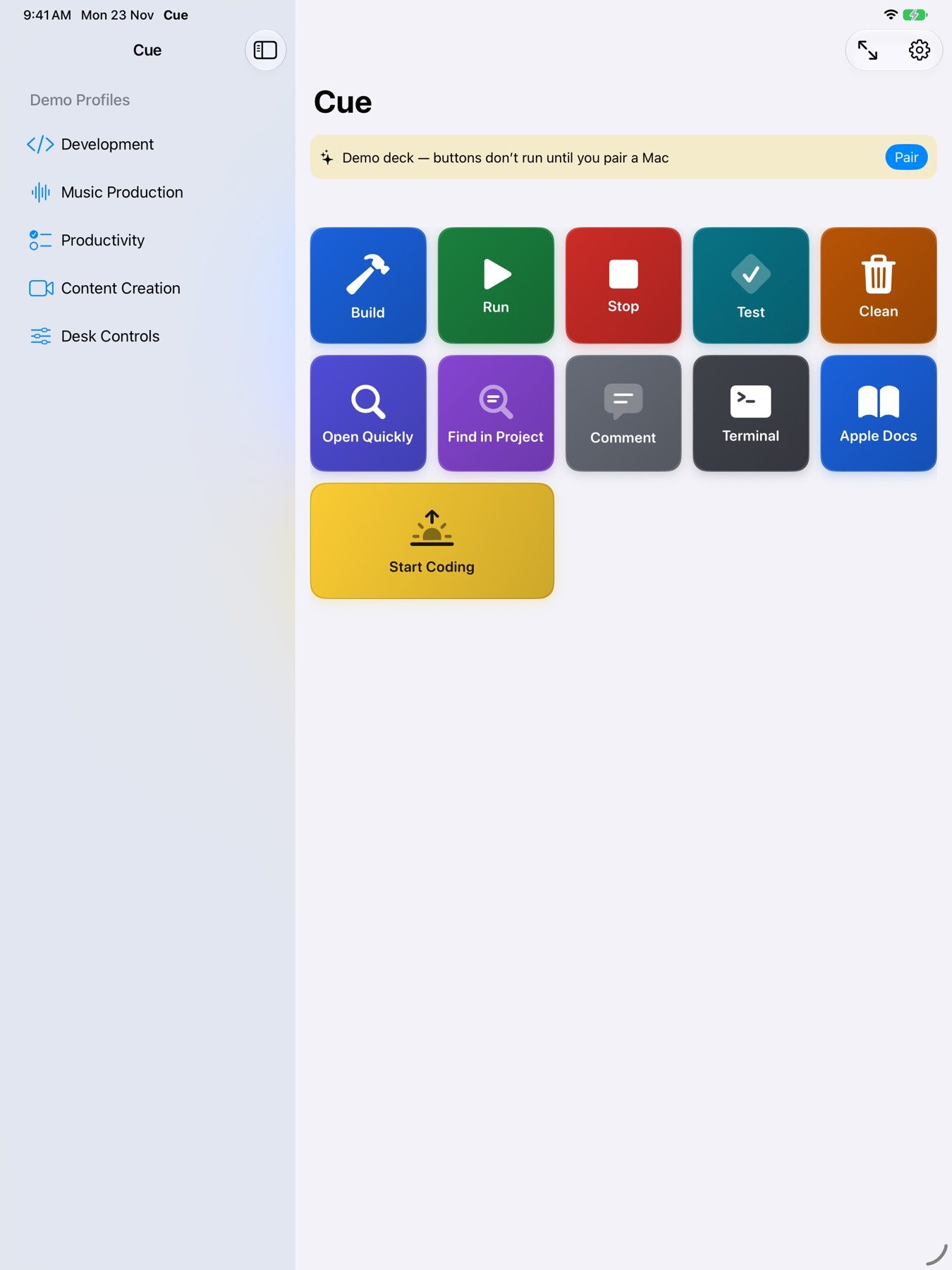
Building a project means pressing ⌘B, switching to Terminal, opening a folder and pausing the music. Each step is small, but hunting through menus and remembering key combos breaks your focus dozens of times a day. Cue turns each of those steps into one button — on the Mac, on your phone, as a gesture or as a spoken command.
Features
What Cue does
Floats without stealing focus
The deck stays on top but never takes focus, so a shortcut goes to the app you are working in. Show or hide it with a global shortcut or from the menu bar.
Profiles follow your app
Profiles switch automatically with the app in front, such as Xcode, Logic Pro or Final Cut Pro. Pin a profile when you want it to stay.
260+ searchable actions
Open apps and files, fire shortcuts, type snippets, control volume and media, arrange windows, and run Shortcuts or your own scripts. Chain them into workflows with waits and conditions.
iPhone and iPad remote
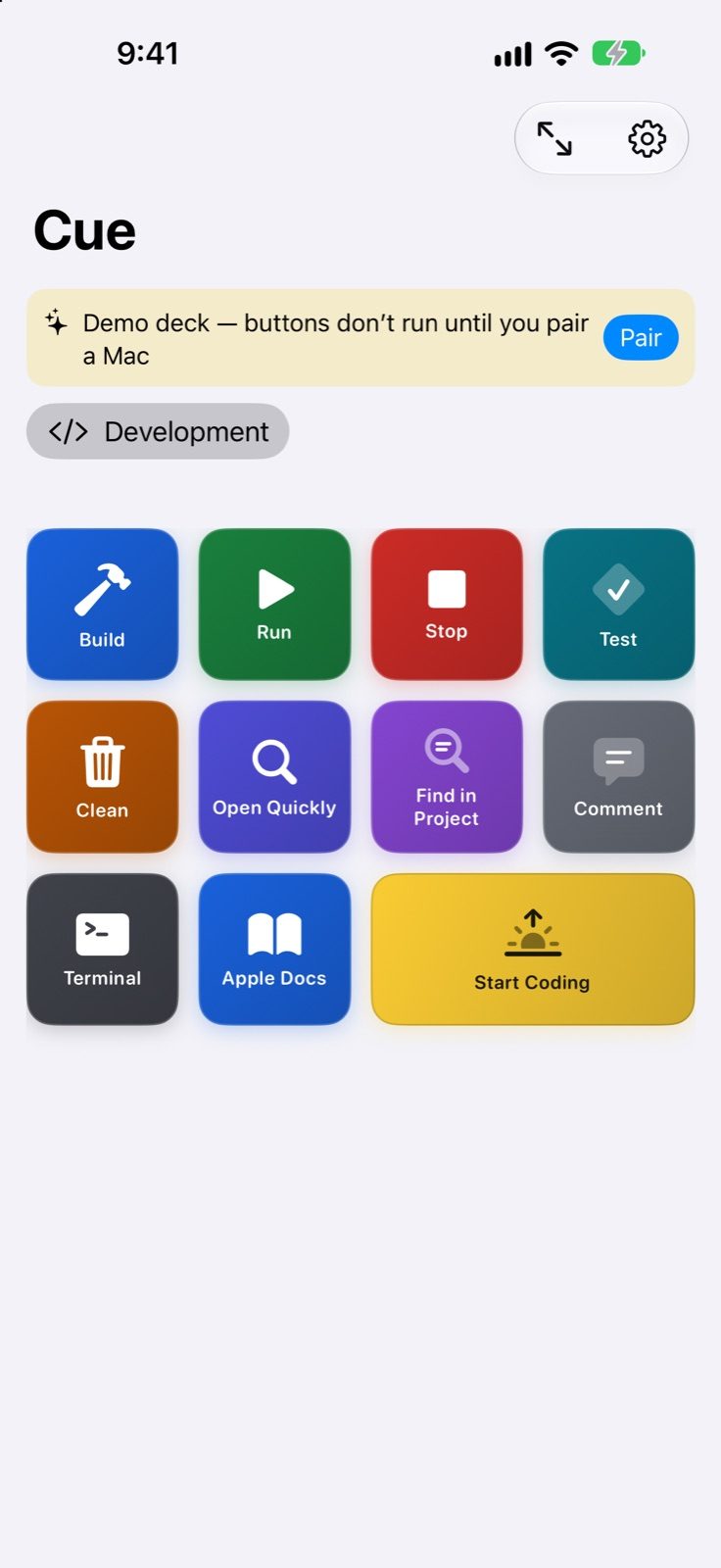
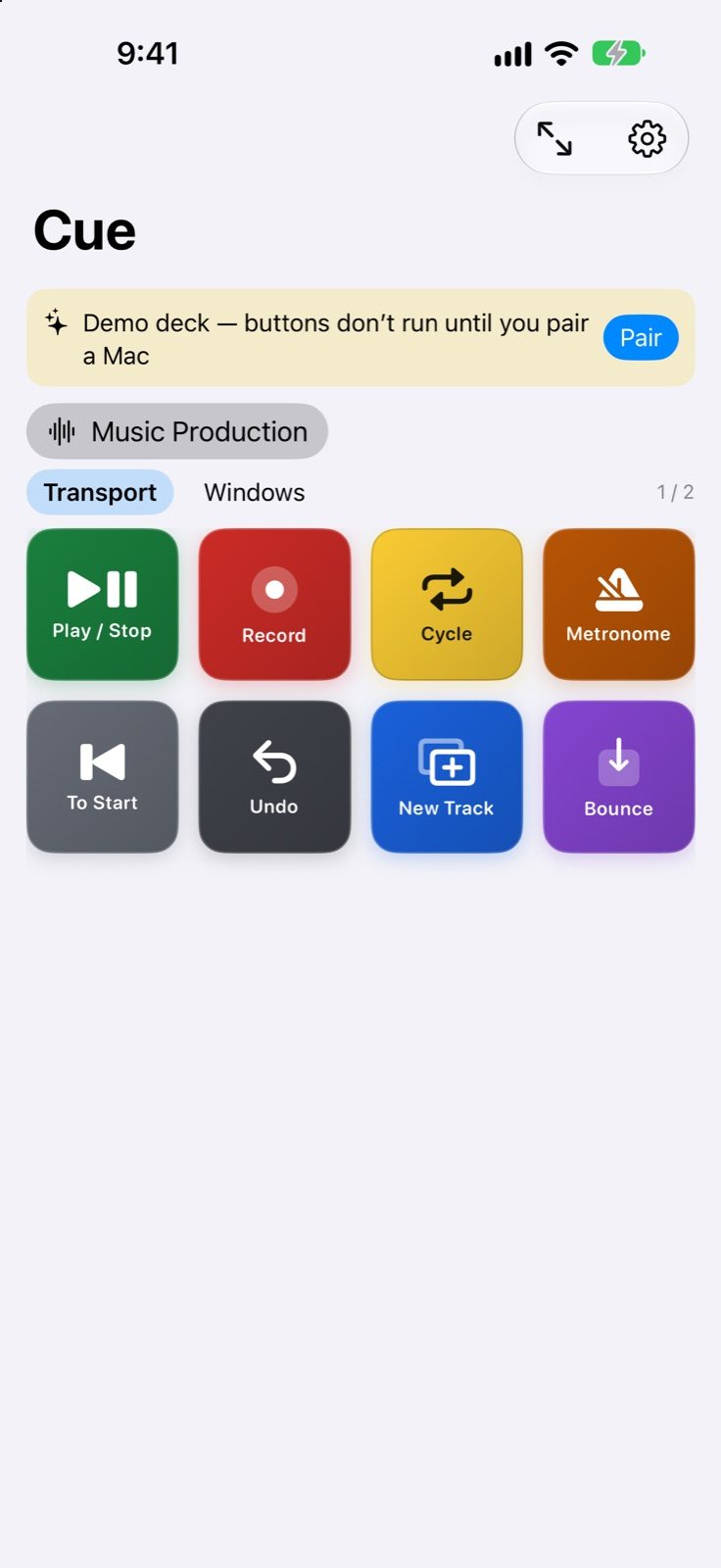
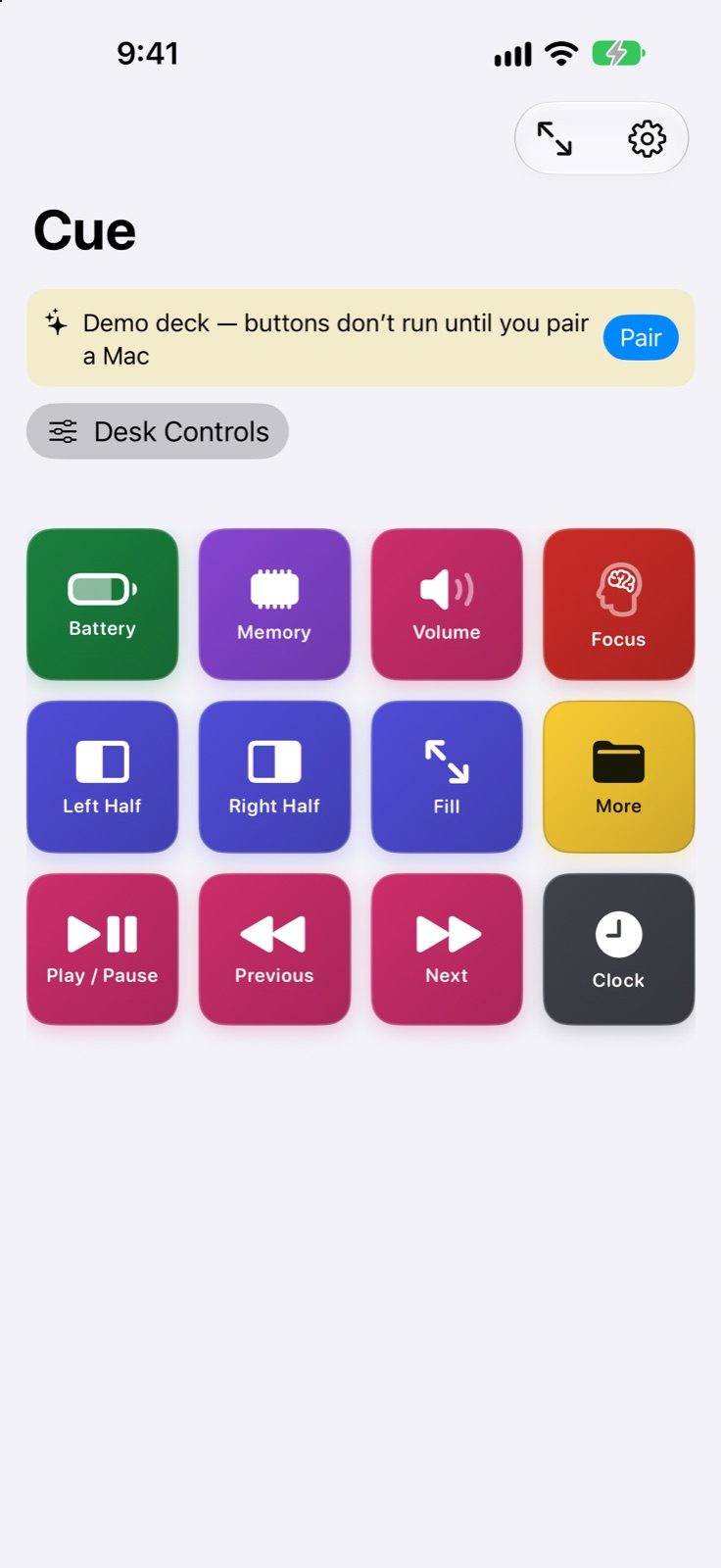
Pair once by scanning a code on your Mac. Your iPhone or iPad shows the Mac's deck, follows its profile and presses buttons over an encrypted local Wi-Fi connection.
Gestures
Switch your phone to Gesture Mode and swipe or draw a symbol anywhere on the screen to run an action — no need to look down for the right button.
Voice commands
Hold your voice shortcut and say a command like “build” or “next track”. Speech is recognised on your Mac, with an optional local Whisper model; audio never leaves the Mac.
Live tiles and timers
Buttons can show battery, memory, CPU, volume, the clock, Spotify's now playing, or a running countdown or pomodoro timer, on the Mac and on your phone.
Editor with undo
Drag actions onto the grid, resize buttons, and undo any change. Choose from 430 built-in icons, your apps' icons or your own images.
How it works
From download to first tap
Download Cue for Mac
It's free. Open the disk image, drag Cue to Applications and open it. Pick a starter profile: Development, Music Production, Productivity, Content Creation or Desk Controls.
Allow Accessibility
So Cue can send the shortcuts, text and media keys you configure, allow it in System Settings ▸ Privacy & Security ▸ Accessibility.
Get Cue on your iPhone or iPad
Install Cue Deck from the App Store, then on the Mac choose Cue ▸ Settings ▸ iPhone ▸ Pair iPhone and scan the code.
Press, draw or say it
Tap a button on the deck or your phone, draw a gesture, or hold your voice shortcut and say the command.
Why Cue
Built differently
Built for the Mac first
The deck is a native Mac panel that follows the app in front. Your phone mirrors it — no separate hub, no hardware to buy.
Three ways to trigger
Buttons, gestures and voice all run the same actions, so you can use whichever fits the moment.
Stays on your devices
Your iPhone talks directly to your Mac over an encrypted local Wi-Fi connection, and voice runs on device. No account, no cloud relay, no analytics.
What do I need?
A Mac with macOS 14 Sonoma or later. To use your phone as a remote, an iPhone or iPad with iOS / iPadOS 17 or later on the same Wi-Fi network as the Mac.
How much does it cost?
Cue for Mac is free. The iPhone and iPad app, Cue Deck, is in App Review and will be free on the App Store.
Why isn't the Mac app on the Mac App Store?
Cue sends keyboard shortcuts, text and media keys to other apps, which needs macOS Accessibility permission. Apple doesn't allow that use in Mac App Store apps, so Cue for Mac is distributed here instead — signed with a Developer ID and notarized by Apple.
Does the iPhone app work without a Mac?
The iPhone and iPad app is a remote for Cue on your Mac. Without a paired Mac you can explore a demo deck that shows what each button would do.
What data does Cue collect?
None. There are no accounts, analytics, advertising or servers. Your decks and settings stay on your devices, and pairing keys are kept in each device's Keychain.
Get Cue
A button deck for your Mac — press it on screen, from your phone, by gesture or by voice.
More from Parth
 Closer
 Catch
 LoopStudio
 BestNotch